

Hub
Our USB hubs are designed to connect more, transfer faster, and power smarter. From USB-C multi-port hubs to docking stations with HDMI, PD charging, and SD readers, we offer flexible solutions for office, travel, and remote setups. Ideal for laptops, tablets, and modern workstations—engineered for efficiency and ready for wholesale.
Why Choose Us?
Wide Compatibility
Supports laptops, tablets, phones, and gaming devices—compatible with Windows, macOS, Android, and iPadOS.
Multi-Port Design
Available in 3-in-1, 6-in-1, or 10-in-1 options with USB-A, USB-C, HDMI, SD/TF, and RJ45 ports to meet every use case.
Fast Charging & Data Transfer
Integrated Power Delivery (PD) up to 100W and USB 3.2 ports for fast charging and 5–10Gbps file transfer.
OEM-Ready & Certified
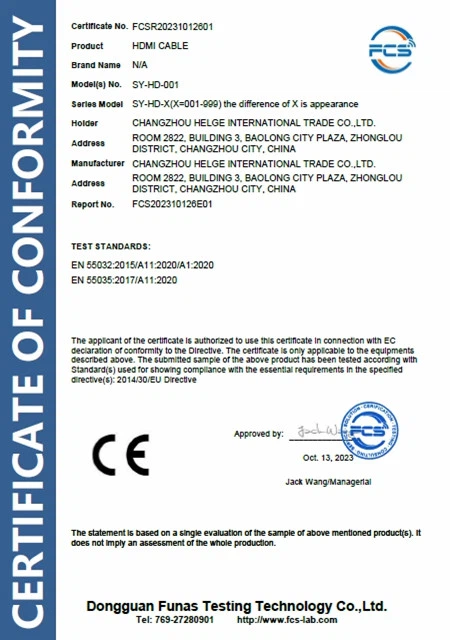
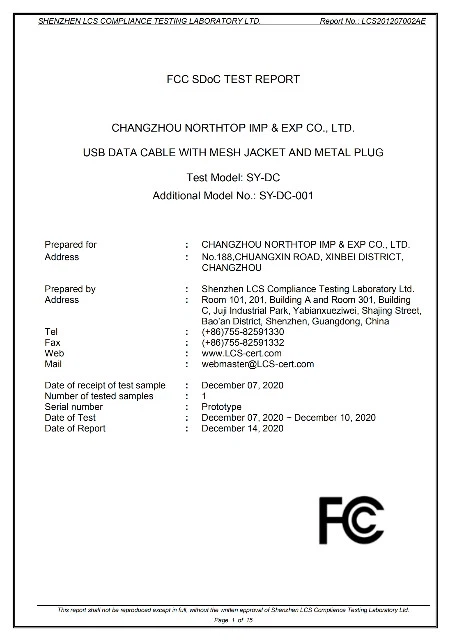
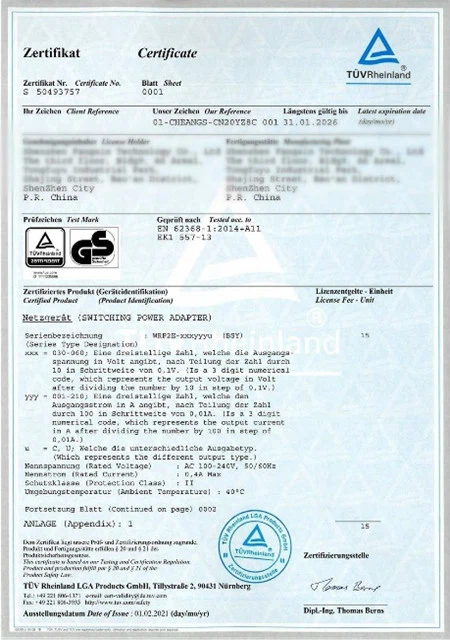
Customizable logo, shell, and packaging. CE, FCC, RoHS certified. Ideal for B2B, promotions, and retail bundles.

Introduction to Hub
A hub is a networking device that serves as a central connection point within a local area network (LAN). Its primary function is to receive data signals from connected devices and broadcast them to all other connected devices, regardless of the intended recipient. Hubs operate at the physical layer of the OSI model, focusing on raw data transmission without any data processing or intelligence.

Key Features of USB-C Hubs
- Multi-Port Expansion
- High-Speed Data Transfer
- Power Delivery (PD) Charging
- Ultra HD Video Output
- Reliable Ethernet Connectivity
- Comprehensive Card Reader Support
- Audio Support
- Compact and Durable Design
- Plug-and-Play Compatibility
- Enhanced Heat Dissipation
Where Our USB-C Hubs Are Most Useful
Lorem ipsum dolor sit, amet consectetur adipisicing elit.
Use a Quality Power Adapter for PD Charging
When using a USB-C hub with Power Delivery (PD), make sure to connect it to a high-quality power adapter (preferably 65W or above). Low-power chargers may cause unstable charging or device disconnects.
Don’t Overload All Ports at Once
While multi-port hubs are built for multitasking, connecting too many high-power devices at once (like external HDDs + HDMI + laptop charging) may cause overheating or reduce performance. Prioritize essential connections.
Check Device Compatibility
Not all USB-C devices support video output or PD charging through the same port. Be sure your laptop or tablet supports DisplayPort Alt Mode or PD via USB-C to enjoy full hub functionality.
Safely Eject Storage Devices
Always eject USB flash drives, SD cards, or external hard drives through your operating system before unplugging the hub to avoid data loss or file corruption.
Avoid Excessive Heat or Moisture
Like all electronic devices, USB-C hubs perform best in dry, cool environments. Avoid exposing the hub to direct sunlight, heat sources, or water.
First, plug its AC adapter into a main power source (that is if you are using a powered USB Hub )Plug the hub into your computer through the USB cable that comes with it.
Now, connect your devices to the USB ports on the hub. Once the devices are connected to the USB hub, it's quickly recognized by your computer and ready to use.
Certificate




FAQ
We're well-known as one of the leading hub manufacturers and suppliers in China. Our factory offers high quality hub made in China with competitive price. Welcome to place an order.
tabletop hub, hub invoice, hub flexibility