

Can I charge my laptop with a USB A to Type C cable?
Hey there! If you're like me, you've probably stared down at your laptop and that collection of cables, scratching your head and wondering, "Can I charge my laptop with a USB A to Type C cable?" Well, you're in the right place. I'm not just some random tech guy on the internet; I'm part of a USB A to Type C cable supplier team. Yeah, I eat, sleep, and breathe these cables, so let's dive into this question.
First off, let's understand what we're dealing with. USB A is the classic rectangular port that's been around for ages. You've seen it on your old chargers, flash drives, and pretty much every other electronic device from the past couple of decades. On the other hand, Type C is the new kid on the block. It's small, reversible, and can handle a whole lot more power and data than its USB A cousin.
Now, the short answer to whether you can charge your laptop with a USB A to Type C cable is: it depends. Not the answer you were hoping for, right? But stick with me, and I'll break it down.
Compatibility is Key
The first thing you need to check is if your laptop even supports charging via a USB Type C port. A lot of newer laptops, especially ultrabooks and some convertibles, have this feature. They're designed to be more versatile and lightweight, so they ditch the traditional bulky charger in favor of a more compact USB - C charging option.
But here's the catch. Just because your laptop has a Type C port doesn't mean it can charge through it. Some Type C ports on laptops are only for data transfer. You'll have to check your laptop's manual or the manufacturer's website to see if it supports USB - C power delivery (PD). If it does, you're in luck. You might be able to use a USB A to Type C cable to charge it.
Power Requirements
Even if your laptop supports USB - C charging, you need to make sure the cable can deliver enough power. Laptops typically require more power to charge than your average smartphone or tablet. Most smartphones can get by with a 5 - watt charger, but laptops often need 30 watts or more, sometimes even up to 100 watts for high - end models.
Our 3A Fast Charge TPE USB A to C Cable is a great option if your laptop has relatively lower power requirements. It can deliver up to 15 watts of power, which is enough for some smaller laptops and tablets. But if your laptop needs more juice, you'll need to look for a cable that supports higher power delivery.
Cable Quality Matters
Not all USB A to Type C cables are created equal. A cheap, low - quality cable might not be able to handle the power your laptop needs. It could overheat, or worse, damage your laptop. That's why it's important to invest in a good quality cable.
Our Double - Braided Nylon Type C Cable is made with high - quality materials. The double - braided nylon exterior not only looks cool but also provides extra durability. It can handle high - speed data transfer and power delivery, making it a great choice for charging your laptop.
Another great option is our USB - A To Right - angle USB - C Cable. This cable is perfect if you have limited space around your laptop's port. The right - angle design allows you to plug it in without getting in the way of other devices or accessories.
Charging Speed
Even if you have a compatible laptop and a high - quality cable, the charging speed might not be as fast as using the original charger. USB - C power delivery can vary depending on the cable, the charger, and the laptop itself.
If you're in a hurry and need to charge your laptop quickly, it's still a good idea to use the charger that came with your laptop. But if you're just looking to top up the battery a bit while you're on the go, a USB A to Type C cable can be a convenient option.
Safety First
When charging your laptop with a USB A to Type C cable, safety should be your top priority. Make sure the cable is properly rated for the power your laptop needs. Overloading a cable can cause it to overheat, which is a fire hazard.
Also, be careful when using third - party chargers. Some chargers might not be compatible with your laptop or the cable, which can lead to damage to your device. Always use a charger that is certified and recommended for your laptop.
Conclusion
So, can you charge your laptop with a USB A to Type C cable? In many cases, yes, but there are a lot of factors to consider. Compatibility, power requirements, cable quality, and safety are all important aspects.

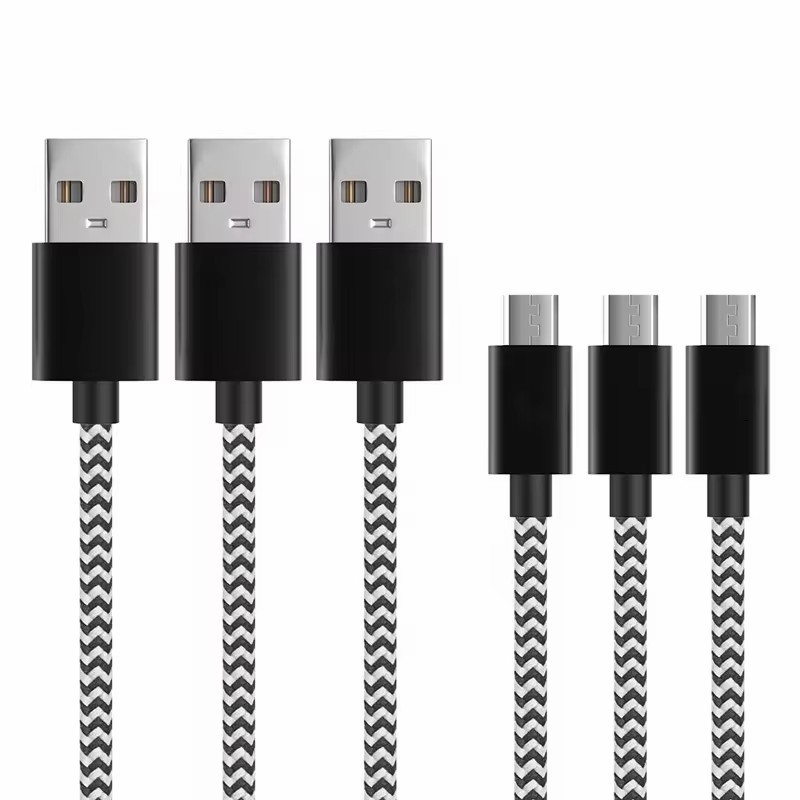
If you're in the market for a high - quality USB A to Type C cable, we've got you covered. Our cables are designed to meet the needs of different devices, including laptops. Whether you need a cable for fast charging, data transfer, or just something that looks cool, we have a wide range of options.
If you're interested in purchasing our cables or have any questions about which cable is right for your laptop, don't hesitate to reach out. We're here to help you make the right choice. Contact us to start a conversation about your cable needs and let's work together to find the perfect solution for you.
References
- Laptop manufacturer's manuals and websites for USB - C charging compatibility information.
- USB Implementers Forum (USB - IF) documentation on USB - C power delivery standards.