

Can I use a USB A to Type C cable to connect a TV stick?
In the modern era of technology, TV sticks have become incredibly popular for transforming ordinary televisions into smart entertainment hubs. These compact devices offer access to a wide range of streaming services, apps, and media content, enhancing the viewing experience significantly. One common question that often arises among users is whether they can use a USB A to Type C cable to connect a TV stick. As a USB A to Type C cable supplier, I'm here to provide you with a detailed answer and shed light on this topic.
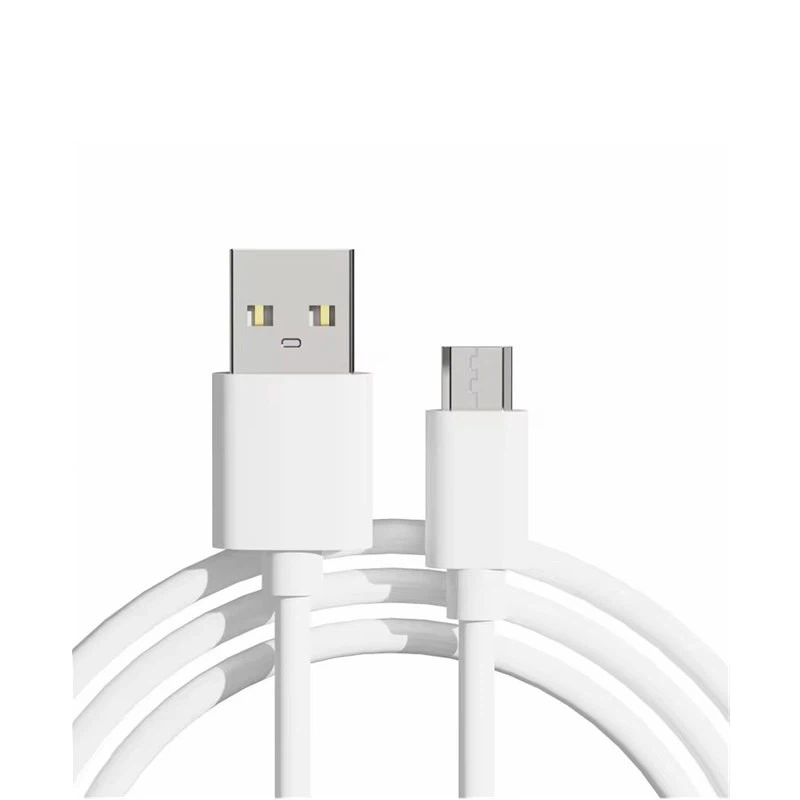

Understanding USB A and Type C Connectors
Before delving into the compatibility of using a USB A to Type C cable with a TV stick, it's essential to understand the differences between USB A and Type C connectors.
The USB A connector is the traditional rectangular-shaped connector that has been around for a long time. It is commonly found on power adapters, computers, and other electronic devices. USB A connectors are typically used for data transfer and power delivery, and they come in different versions with varying speeds and capabilities.
On the other hand, the Type C connector is a relatively new and more versatile connector. It is smaller, reversible, and capable of supporting higher data transfer speeds, power delivery, and other advanced features. Type C connectors are becoming increasingly popular in modern electronic devices, including smartphones, laptops, tablets, and some TV sticks.
Compatibility of USB A to Type C Cable with TV Sticks
The compatibility of using a USB A to Type C cable to connect a TV stick depends on several factors, including the type of TV stick, the available ports on the TV, and the capabilities of the cable.
1. TV Stick Requirements
Different TV sticks have different requirements when it comes to power and data connectivity. Some TV sticks may only support USB A connections, while others may have Type C ports or be compatible with both.
If your TV stick has a Type C port, you can directly use a USB A to Type C cable to connect it to a power source or a device with a USB A port. This allows you to power the TV stick and transfer data if necessary.
However, if your TV stick only has a USB A port, using a USB A to Type C cable may not be possible or may require additional adapters. In this case, you may need to use a traditional USB A cable to connect the TV stick to the TV or a power source.
2. TV Ports
The available ports on your TV also play a crucial role in determining the compatibility of using a USB A to Type C cable with a TV stick. Most modern TVs have at least one USB A port, which can be used to power and connect a TV stick.
If your TV has a Type C port, you can use a USB A to Type C cable to connect the TV stick to the TV's Type C port. This allows you to take advantage of the TV's Type C capabilities, such as higher power delivery and data transfer speeds.
However, if your TV only has USB A ports, you may need to use a traditional USB A cable to connect the TV stick to the TV. In this case, a USB A to Type C cable may not be necessary unless you need to connect the TV stick to a device with a Type C port.
3. Cable Capabilities
The capabilities of the USB A to Type C cable also matter when it comes to compatibility with a TV stick. Not all USB A to Type C cables are created equal, and some may not support the power and data requirements of a TV stick.
When choosing a USB A to Type C cable for your TV stick, make sure to look for a cable that supports the necessary power delivery and data transfer speeds. For example, if your TV stick requires a high-power connection, you may need to choose a cable that can deliver enough power to keep the TV stick running smoothly.
Benefits of Using a USB A to Type C Cable with a TV Stick
If your TV stick and TV are compatible with a USB A to Type C cable, there are several benefits to using such a cable.
1. Versatility
A USB A to Type C cable offers greater versatility compared to a traditional USB A cable. It allows you to connect your TV stick to a wider range of devices, including those with Type C ports. This can be particularly useful if you want to connect your TV stick to a laptop, tablet, or other modern electronic devices.
2. Higher Power Delivery
Type C connectors are capable of supporting higher power delivery compared to USB A connectors. This means that if your TV stick requires a high-power connection, a USB A to Type C cable can provide the necessary power to keep the TV stick running smoothly.
3. Faster Data Transfer
Type C connectors also support faster data transfer speeds compared to USB A connectors. If you need to transfer large amounts of data between your TV stick and other devices, a USB A to Type C cable can help you do it more quickly and efficiently.
Our USB A to Type C Cable Products
As a USB A to Type C cable supplier, we offer a wide range of high-quality USB A to Type C cables that are suitable for connecting TV sticks and other electronic devices. Our cables are designed to meet the latest industry standards and offer excellent performance and reliability.
- USB-A To Right-angle USB-C Cable: This cable features a right-angle design, which makes it ideal for use in tight spaces. It is available in different lengths and colors to meet your specific needs.
- Eco-Friendly Silicone USB C Cable: Our eco-friendly silicone USB C cable is made from high-quality silicone material, which is durable and flexible. It is also resistant to heat, cold, and other environmental factors, making it suitable for use in a variety of applications.
- 3A Fast Charge TPE USB A to C Cable: This cable is capable of delivering up to 3A of power, which makes it ideal for charging and powering high-power devices such as TV sticks. It also features a TPE outer jacket, which provides excellent protection against damage and wear.
Contact Us for Purchase and洽谈
If you're interested in purchasing our USB A to Type C cables for your TV stick or other electronic devices, please feel free to contact us. We offer competitive prices, high-quality products, and excellent customer service. Our team of experts is always ready to help you choose the right cable for your needs and answer any questions you may have.
References
- "USB Type-C: The Future of Connectivity." USB Implementers Forum.
- "Understanding USB Power Delivery." Anker.
- "How to Choose the Right USB Cable for Your Device." Lifewire.